Hirshfield's Paint Color Visualizer
Upload a photo and try any of 1,469 real Hirshfield's colors on your own walls — free, no app. Independent visualizer, not the official Hirshfield's tool: compare other brands on the same photo.
TRY HIRSHFIELD'S COLORS ON YOUR WALLS →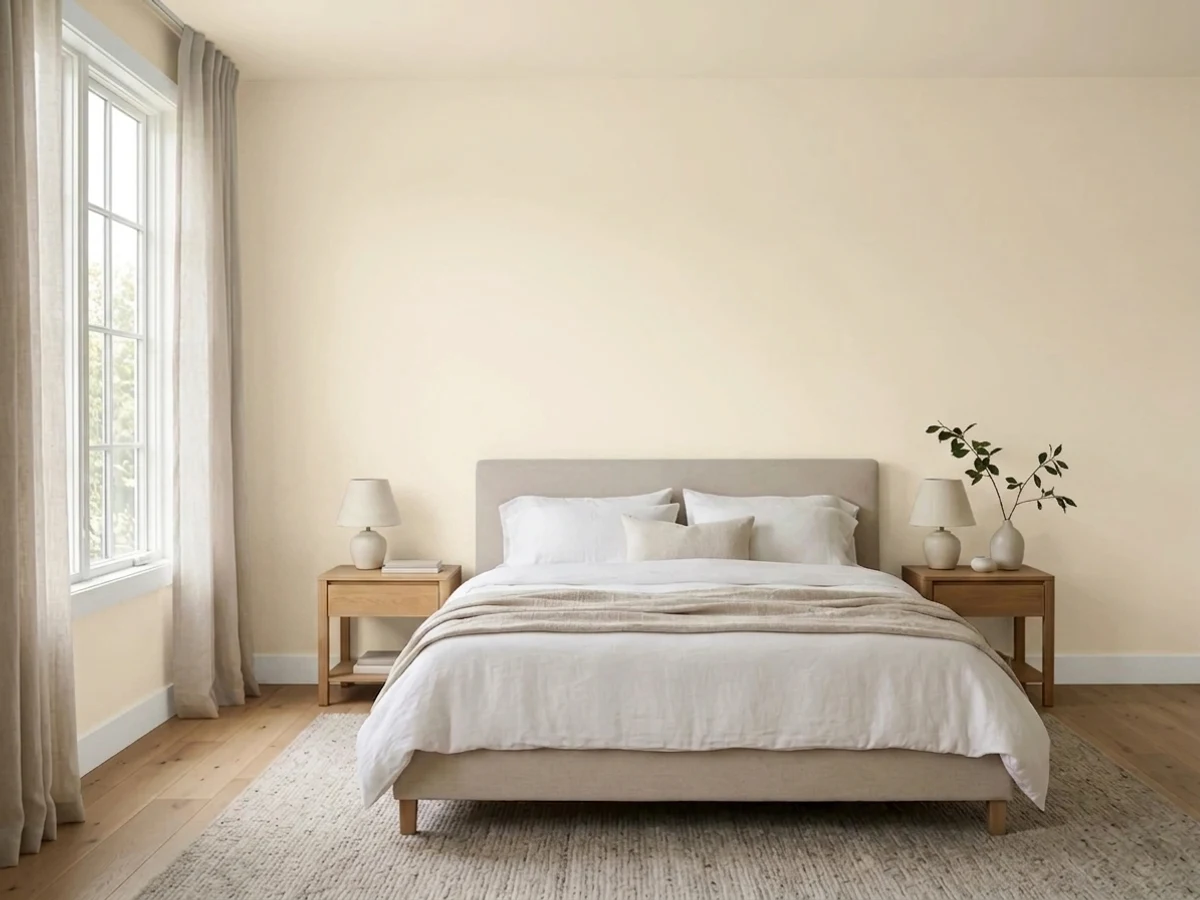
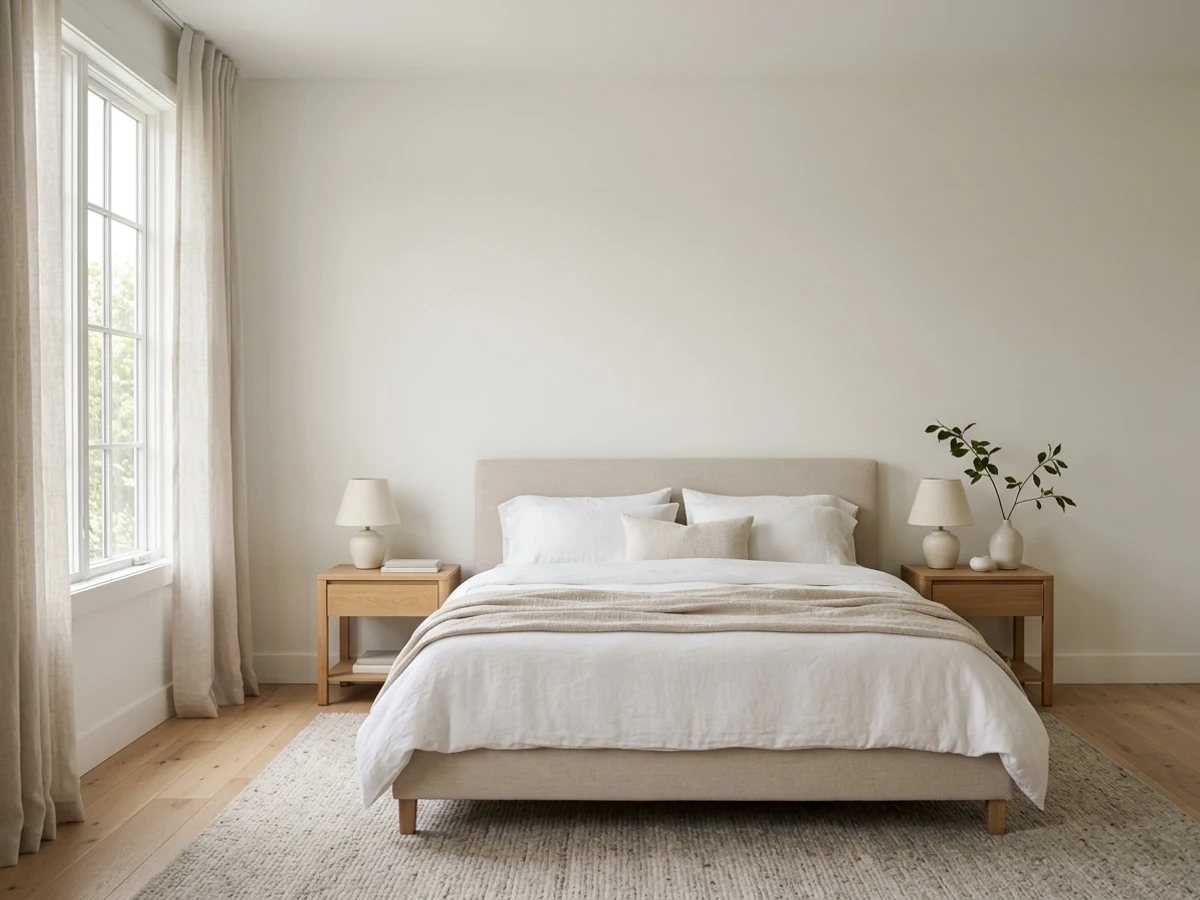
One Bedroom. 8 Hirshfield's Colors.
This is the actual output — the same bedroom rendered by the visualizer in the Hirshfield's colors people search for most. Tap a swatch; then do it to your own room.
The Hirshfield's Colors Everyone Asks For
8 of the most-asked-for Hirshfield's colors, pre-rendered in the same bedroom so you can compare honestly.
Hirshfield's Has u-Paint Color Visualizer. So Why Use This?
u-Paint Color Visualizer is Hirshfield's's own tool, and it's fine at showing Hirshfield's colors. One thing it will never do: tell you when another brand has your better color. We will — that's the point of being independent.
Paint Color Visualizer
By CompositePaint — the neutral color hub. Built to find your right color, whoever makes it.
- ✓ Paints your own photo — walls found automatically, no tracing
- ✓ All 1,469 Hirshfield's colors with real names and codes
- ✓ Say a feeling — "warm but not beige" — and it picks the Hirshfield's colors
- ✓ Explains undertones, LRV, and finishes like a paid color consultant
- ✓ Walls, cabinets, trim, fireplaces, full exteriors
- ✓ Checks every other major US brand for a closer match — same room, same light
u-Paint Color Visualizer
Hirshfield's u-Paint web visualizer (a Chameleon Power tool).
- ✓ Upload your own image or use stock rooms, exteriors, and commercial spaces
- ✓ Paints floors and roofing, not just walls
- ✓ Print, email, or share the result
- — Carries Hirshfield's own palettes — not the Benjamin Moore or Farrow & Ball lines its stores sell
- — Manual surface outlining with the Image Mapper tool
- — Dated white-label interface
Shortlisting from Hirshfield's own color decks? u-Paint works. Comparing across every brand on their shelves? That's exactly what this tool does.
What Is Hirshfield's u-Paint Color Visualizer?
u-Paint is the web visualizer of Hirshfield's, the Minnesota paint retailer — a Chameleon Power white-label tool where you upload your own image or pick from stock rooms, exteriors, and commercial spaces, then outline surfaces with an Image Mapper and recolor them. It goes beyond walls to floors and roofing, and you can print, email, or share the result. It carries Hirshfield's own palettes: the COLOR IS… deck and Historic Colors of America.
Here's the quirk: Hirshfield's stores are known for selling Benjamin Moore, Farrow & Ball, and other brands — but u-Paint doesn't carry those decks. The store's own visualizer can't preview most of what the store sells.
u-Paint vs. This One
This tool fills exactly that gap: Hirshfield's own colors and the Benjamin Moore and Farrow & Ball decks from their shelves, all paintable onto one photo of your room — walls found automatically, no Image Mapper, no outlining. Shortlist across everything the store actually stocks, then walk in for sample pots of the finalists.
u-Paint Color Visualizer belongs to Hirshfield's. CompositePaint is independent and not affiliated with Hirshfield's.
It Knows What Minnesota Winter Light Does to a White
Every Hirshfield's color has undertones, an LRV, and rooms it fails in. A paid color consultant knows that. So does this assistant — ask it anything about a Hirshfield's color before you commit a wall to it.
- → "Will Fresh Linen look flat in gray January light?"
- → "Which Hirshfield's neutral holds up year-round?"
- → "What trim white goes with Whale Bone?"
More Than a Hirshfield's Paint Preview
Ask for a feeling and get walls, trim, and an accent that work together — each with a plain-words why.
Eggshell or satin? It recommends the right sheen for every surface — kitchens and baths included.
Gallons and dollars for your walls, trim, or cabinets — before you're standing in the store.
One wall darker, a chair-rail split, two-tone kitchen cabinets — say it and it paints it.
Send a picture you love and say "colors like this" — it names the nearest real, buyable paints.
"Keep the walls, brighten the trim" changes only what you asked — the rest stays put.
Copy a link to the painted room for your partner, painter, or client — or download a labeled color card.
Sign back in and pick up any room exactly where you left off.
Popular Hirshfield's Colors to Try First
Tap any color to see its full reference page, or open the visualizer to try it on your own walls.
Browse Hirshfield's Colors by Family
The full Hirshfield's deck, grouped the way people shop it — every page lists the whole family with real names and codes you can render here.
Every Hirshfield's Color, on Your Actual Walls
Hirshfield’s is the Upper-Midwest regional maker — Minnesota-blended colors tuned to northern light and long winters.
This Hirshfield's paint visualizer carries the complete synced Hirshfield's deck — 1,469 named colors with real codes — so you are not limited to a starter palette. Type any Hirshfield's color name in the chat, or describe the feeling you want and the assistant picks from the full deck for you. Every render keeps your room photo honest: only the walls (and trim or ceiling, when you ask) change.
Because it works on your own photo, the AI shows each Hirshfield's color in your room's real light — north-facing or sunny, warm bulbs or daylight — and finds the paintable walls for you, so you never trace an edge. That is the difference between a color that looks right on a chip and one that actually works once it is up.
Upload a Photo and Try Hirshfield's Colors Free
Upload one well-lit, straight-on photo of your room, then name the Hirshfield's color you are curious about — or just describe the mood, like "warm and cozy" or "bright and modern" — and the assistant paints it onto your real walls in a few seconds. Run it for a few Hirshfield's colors back to back and the side-by-side renders narrow your shortlist fast.
It is free while in beta and runs in your browser, so there is nothing to download. Sign in with Google to start, upload your photo, and you are testing Hirshfield's paint colors on your own walls — your furniture, floor, and light left exactly as they are.
Looking for a Hirshfield's Visualizer App? You Don't Need One
A lot of people search for a "Hirshfield's paint visualizer app," but there is nothing to install here: this tool runs in the browser on your phone, tablet, or computer. Snap a photo of the room with your phone, upload it, and render Hirshfield's colors on the spot — no App Store download, no storage used. (Hirshfield's's own u-Paint Color Visualizer is the official route; this is the no-download alternative that also compares every other brand in the same photo.)
Call it a Hirshfield's paint simulator or a virtual painter if you like — the point is the same: your own photo, real Hirshfield's colors with real codes, and nothing to download.
Match a Hirshfield's Color From a Photo
Already have the color — in an inspiration photo, a fabric swatch, or a pin you saved? Upload that picture and ask the assistant to match it: it names the closest Hirshfield's color with its code, then paints it onto a photo of your own room so you can judge the match in your light, not the photo's. And because the tool is multi-brand, it will also tell you when another brand's color lands closer than Hirshfield's's nearest match.
Hirshfield's Colors on Walls, Trim, Cabinets, and Exteriors
The same tool handles more than walls. Ask it to paint your trim, your kitchen cabinets, a fireplace, or your home's exterior in a Hirshfield's color, and it repaints only the surface you point at while everything else stays put. That makes it easy to plan a whole project — wall color, trim, and an accent — around the Hirshfield's deck in one place.
A Preview Narrows It; a Sample Pot Decides
Treat every render as a realistic preview, not a guarantee. Screens, photo lighting, and your room's real light all shift color a little, so use the visualizer to get from a long list of Hirshfield's colors down to two or three honest finalists. Then buy sample pots of those, paint a patch on the actual wall, and look at it morning and evening before you commit.
Frequently asked questions
Does Hirshfield's have a paint visualizer?+
Yes — Hirshfield's's own tool is u-Paint Color Visualizer. This is an independent, brand-neutral alternative from CompositePaint: it uses the real Hirshfield's deck (1,469 colors with official names and codes) and paints them onto a photo of your own room. Because it also carries every other major US brand, you can compare Hirshfield's colors against the alternatives in one photo — something u-Paint Color Visualizer can't do.
Is this the official Hirshfield's visualizer?+
No — Hirshfield's's official tool is u-Paint Color Visualizer. This is CompositePaint's independent visualizer: it uses the real Hirshfield's color deck but is not affiliated with Hirshfield's, and it carries every other major US brand so you can compare Hirshfield's against the alternatives in one photo of your room.
Are these the real Hirshfield's colors?+
Yes. Colors come from our synced Hirshfield's deck with official names and codes. On a screen, treat any preview as close-but-not-exact: always confirm your finalist with a sample pot on the real wall.
How accurate is the Hirshfield's color preview?+
It is accurate enough to narrow your shortlist, not to replace a sample. The edge here is that it paints the color onto a photo of your real room — your own light, floor, and furniture — using the real Hirshfield's code, so what you see is closer to life than a chip held under store lighting. Confirm your final pick with a sample pot on the wall before you buy.
Can I buy the colors I see here?+
Yes — take the color name and code to any paint store and they can mix it. You don't need to buy Hirshfield's paint to get a Hirshfield's color: most stores can match the formula in the base you prefer.
Is the Hirshfield's paint visualizer free?+
Yes — it is free while in beta. Sign in with Google, upload a photo of your room, and render as many Hirshfield's colors as you like; there is no charge and nothing to install.
Is there a Hirshfield's visualizer app to download?+
You don't need one — this visualizer runs in the browser on iPhone, Android, or desktop. Take a photo with your phone, upload it, and see Hirshfield's colors on your walls without installing anything.
Can I upload my own photo?+
Yes — that is the whole point. Upload a photo of your actual room (or your home's exterior) and the visualizer paints Hirshfield's colors onto your real walls, keeping your furniture, floor, and light untouched.
Can it match a Hirshfield's color from a photo?+
Yes — upload the inspiration photo and ask for the closest Hirshfield's match. The assistant names the color and code, and can then paint it onto a photo of your room so you can check the match in your own light before you buy.
Can I see Hirshfield's colors on cabinets or my home's exterior?+
Yes — ask the assistant to paint cabinets, trim, a fireplace, or the exterior, and it repaints only that surface in the Hirshfield's color you choose while the rest of the photo stays put.
Your Room. Any Hirshfield's Color. Seconds, Not Samples.
Stop imagining Kiara. Look at it — on your walls, in your light, tonight.
UPLOAD YOUR ROOM — FREE →Sherwin-Williams · Benjamin Moore · Behr · Valspar · PPG / Glidden · Dunn-Edwards · Farrow & Ball · Magnolia Home · Clare · Backdrop · Kompozit · Dutch Boy · C2 Paint · Diamond Vogel · HGTV Home by Sherwin-Williams · Glidden · Rodda · Portola Paints · Annie Sloan · Rust-Oleum
Living room · Bedroom · Kitchen · Bathroom · Exterior · Cabinets · Trim · Brick · Siding · Front door