HGTV Home by Sherwin-Williams Paint Color Visualizer
Upload a photo and try any of 1,507 real HGTV Home by Sherwin-Williams colors on your own walls — free, no app. Independent visualizer, not the official HGTV Home by Sherwin-Williams tool: compare other brands on the same photo.
TRY HGTV HOME BY SHERWIN-WILLIAMS COLORS ON YOUR WALLS →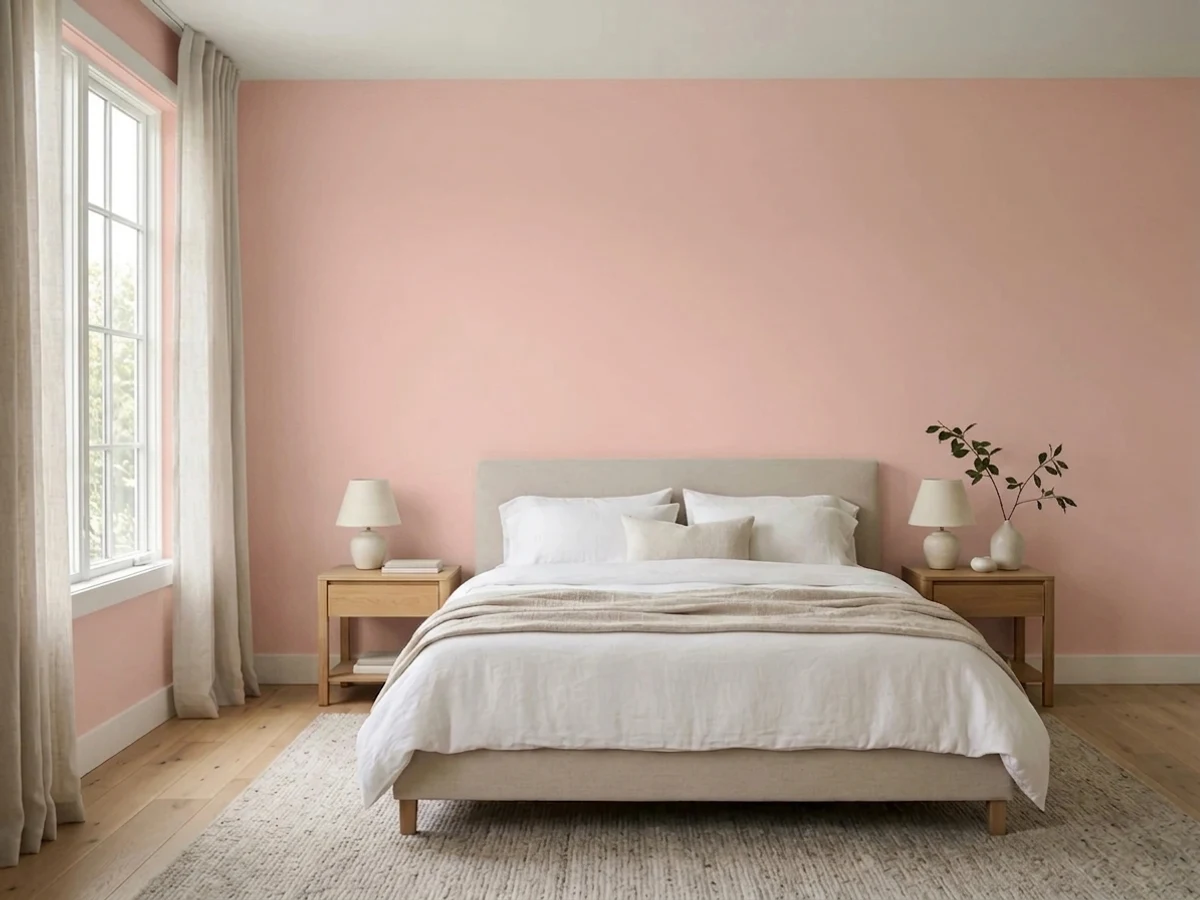
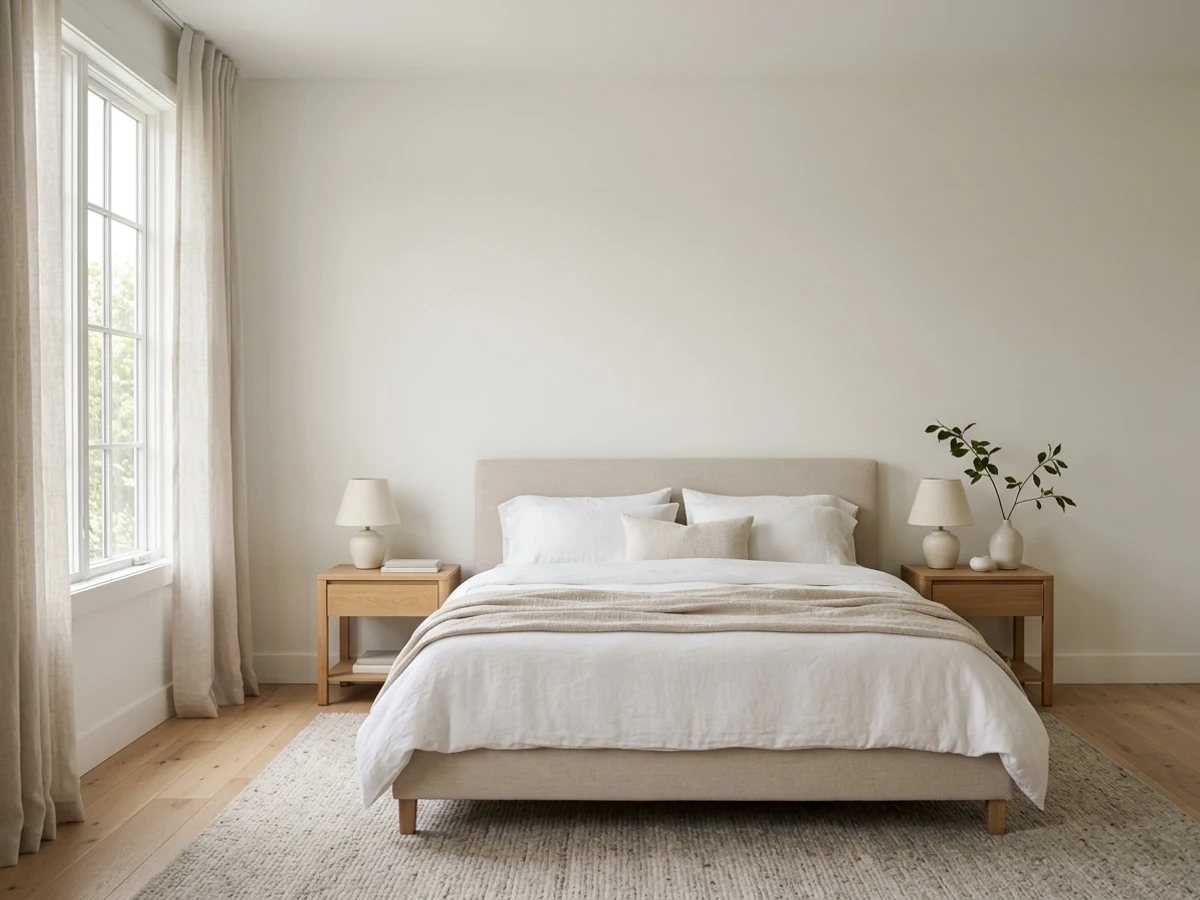
One Bedroom. 8 HGTV Home by Sherwin-Williams Colors.
This is the actual output — the same bedroom rendered by the visualizer in the HGTV Home by Sherwin-Williams colors people search for most. Tap a swatch; then do it to your own room.
The HGTV Home by Sherwin-Williams Colors Everyone Asks For
8 of the most-asked-for HGTV Home by Sherwin-Williams colors, pre-rendered in the same bedroom so you can compare honestly.
HGTV Home by Sherwin-Williams Has Color Visualizer. So Why Use This?
Color Visualizer is HGTV Home by Sherwin-Williams's own tool, and it's fine at showing HGTV Home by Sherwin-Williams colors. One thing it will never do: tell you when another brand has your better color. We will — that's the point of being independent.
Paint Color Visualizer
By CompositePaint — the neutral color hub. Built to find your right color, whoever makes it.
- ✓ Paints your own photo — walls found automatically, no tracing
- ✓ All 1,507 HGTV Home by Sherwin-Williams colors with real names and codes
- ✓ Say a feeling — "warm but not beige" — and it picks the HGTV Home by Sherwin-Williams colors
- ✓ Explains undertones, LRV, and finishes like a paid color consultant
- ✓ Walls, cabinets, trim, fireplaces, full exteriors
- ✓ Checks every other major US brand for a closer match — same room, same light
Color Visualizer
HGSW's own web visualizer — a separate tool from Sherwin-Williams' ColorSnap.
- ✓ Upload an interior or exterior photo, or use styled scenes
- ✓ Drag-and-drop colors or paint with a brush tool
- ✓ Matches the shades in any photo you upload — even a landscape or an outfit
- — HGSW colors only — a Lowe's-exclusive slice of the Sherwin-Williams world
- — Brush-and-drag painting means manual work on real photos
- — Can't discuss undertones or pairings
Buying at Lowe's and set on HGSW? The official visualizer is solid. Want HGSW checked against the full SW deck and everyone else? That's this tool.
What Is the HGTV Home by Sherwin-Williams Color Visualizer?
HGTV Home by Sherwin-Williams runs its own visualizer — separate from Sherwin-Williams' ColorSnap. On the web you can upload an interior or exterior photo or use styled scenes, drag and drop HGSW colors or paint with a brush tool, and even upload any photo — a beach, an outfit — to pull its closest paint shades. Lowe's hosts a sister instance that browses HGSW and Valspar colors together.
The brand also made news as the first paint line to partner with Palazzo, Venus Williams' AI interior-design company, for its 2025 Color Collection of the Year — an upload-your-room AI experience that restyles décor too. That partnership covers a 10-color collection, though, not the full HGSW line.
HGSW's Tool vs. This One
HGSW is a Lowe's-exclusive slice of the Sherwin-Williams world, and its visualizer stays inside that slice. This tool carries the HGSW deck and the full Sherwin-Williams deck and every other major brand — so you can finally answer the question the official tools each dodge: is the HGSW color the best version of that color, or is its SW cousin (or a Behr twin at Home Depot) the better buy? Same photo, same light, straight answer.
Color Visualizer belongs to HGTV Home by Sherwin-Williams. CompositePaint is independent and not affiliated with HGTV Home by Sherwin-Williams.
It Knows When Perfect Greige Flashes Pink
Every HGTV Home by Sherwin-Williams color has undertones, an LRV, and rooms it fails in. A paid color consultant knows that. So does this assistant — ask it anything about a HGTV Home by Sherwin-Williams color before you commit a wall to it.
- → "Will Perfect Greige go pink in my evening light?"
- → "Is Narragansett Navy too dark for a small office?"
- → "What trim white goes with Calico Cream?"
More Than a HGTV Home by Sherwin-Williams Paint Preview
Ask for a feeling and get walls, trim, and an accent that work together — each with a plain-words why.
Eggshell or satin? It recommends the right sheen for every surface — kitchens and baths included.
Gallons and dollars for your walls, trim, or cabinets — before you're standing in the store.
One wall darker, a chair-rail split, two-tone kitchen cabinets — say it and it paints it.
Send a picture you love and say "colors like this" — it names the nearest real, buyable paints.
"Keep the walls, brighten the trim" changes only what you asked — the rest stays put.
Copy a link to the painted room for your partner, painter, or client — or download a labeled color card.
Sign back in and pick up any room exactly where you left off.
Popular HGTV Home by Sherwin-Williams Colors to Try First
Tap any color to see its full reference page, or open the visualizer to try it on your own walls.
Browse HGTV Home by Sherwin-Williams Colors by Family
The full HGTV Home by Sherwin-Williams deck, grouped the way people shop it — every page lists the whole family with real names and codes you can render here.
Every HGTV Home by Sherwin-Williams Color, on Your Actual Walls
HGTV Home by Sherwin-Williams is the Sherwin-Williams line sold at Lowe’s — SW color science in curated, TV-friendly collections you can grab off the shelf.
This HGTV Home by Sherwin-Williams paint visualizer carries the complete synced HGTV Home by Sherwin-Williams deck — 1,507 named colors with real codes — so you are not limited to a starter palette. Type any HGTV Home by Sherwin-Williams color name in the chat, or describe the feeling you want and the assistant picks from the full deck for you. Every render keeps your room photo honest: only the walls (and trim or ceiling, when you ask) change.
Because it works on your own photo, the AI shows each HGTV Home by Sherwin-Williams color in your room's real light — north-facing or sunny, warm bulbs or daylight — and finds the paintable walls for you, so you never trace an edge. That is the difference between a color that looks right on a chip and one that actually works once it is up.
Upload a Photo and Try HGTV Home by Sherwin-Williams Colors Free
Upload one well-lit, straight-on photo of your room, then name the HGTV Home by Sherwin-Williams color you are curious about — or just describe the mood, like "warm and cozy" or "bright and modern" — and the assistant paints it onto your real walls in a few seconds. Run it for a few HGTV Home by Sherwin-Williams colors back to back and the side-by-side renders narrow your shortlist fast.
It is free while in beta and runs in your browser, so there is nothing to download. Sign in with Google to start, upload your photo, and you are testing HGTV Home by Sherwin-Williams paint colors on your own walls — your furniture, floor, and light left exactly as they are.
Looking for a HGTV Home by Sherwin-Williams Visualizer App? You Don't Need One
A lot of people search for a "HGTV Home by Sherwin-Williams paint visualizer app," but there is nothing to install here: this tool runs in the browser on your phone, tablet, or computer. Snap a photo of the room with your phone, upload it, and render HGTV Home by Sherwin-Williams colors on the spot — no App Store download, no storage used. (HGTV Home by Sherwin-Williams's own Color Visualizer is the official route; this is the no-download alternative that also compares every other brand in the same photo.)
Call it a HGTV Home by Sherwin-Williams paint simulator or a virtual painter if you like — the point is the same: your own photo, real HGTV Home by Sherwin-Williams colors with real codes, and nothing to download.
Match a HGTV Home by Sherwin-Williams Color From a Photo
Already have the color — in an inspiration photo, a fabric swatch, or a pin you saved? Upload that picture and ask the assistant to match it: it names the closest HGTV Home by Sherwin-Williams color with its code, then paints it onto a photo of your own room so you can judge the match in your light, not the photo's. And because the tool is multi-brand, it will also tell you when another brand's color lands closer than HGTV Home by Sherwin-Williams's nearest match.
HGTV Home by Sherwin-Williams Colors on Walls, Trim, Cabinets, and Exteriors
The same tool handles more than walls. Ask it to paint your trim, your kitchen cabinets, a fireplace, or your home's exterior in a HGTV Home by Sherwin-Williams color, and it repaints only the surface you point at while everything else stays put. That makes it easy to plan a whole project — wall color, trim, and an accent — around the HGTV Home by Sherwin-Williams deck in one place.
A Preview Narrows It; a Sample Pot Decides
Treat every render as a realistic preview, not a guarantee. Screens, photo lighting, and your room's real light all shift color a little, so use the visualizer to get from a long list of HGTV Home by Sherwin-Williams colors down to two or three honest finalists. Then buy sample pots of those, paint a patch on the actual wall, and look at it morning and evening before you commit.
Frequently asked questions
Does HGTV Home by Sherwin-Williams have a paint visualizer?+
Yes — HGTV Home by Sherwin-Williams's own tool is Color Visualizer. This is an independent, brand-neutral alternative from CompositePaint: it uses the real HGTV Home by Sherwin-Williams deck (1,507 colors with official names and codes) and paints them onto a photo of your own room. Because it also carries every other major US brand, you can compare HGTV Home by Sherwin-Williams colors against the alternatives in one photo — something Color Visualizer can't do.
Is this the official HGTV Home by Sherwin-Williams visualizer?+
No — HGTV Home by Sherwin-Williams's official tool is Color Visualizer. This is CompositePaint's independent visualizer: it uses the real HGTV Home by Sherwin-Williams color deck but is not affiliated with HGTV Home by Sherwin-Williams, and it carries every other major US brand so you can compare HGTV Home by Sherwin-Williams against the alternatives in one photo of your room.
Are these the real HGTV Home by Sherwin-Williams colors?+
Yes. Colors come from our synced HGTV Home by Sherwin-Williams deck with official names and codes. On a screen, treat any preview as close-but-not-exact: always confirm your finalist with a sample pot on the real wall.
How accurate is the HGTV Home by Sherwin-Williams color preview?+
It is accurate enough to narrow your shortlist, not to replace a sample. The edge here is that it paints the color onto a photo of your real room — your own light, floor, and furniture — using the real HGTV Home by Sherwin-Williams code, so what you see is closer to life than a chip held under store lighting. Confirm your final pick with a sample pot on the wall before you buy.
Can I buy the colors I see here?+
Yes — take the color name and code to any paint store and they can mix it. You don't need to buy HGTV Home by Sherwin-Williams paint to get a HGTV Home by Sherwin-Williams color: most stores can match the formula in the base you prefer.
Is the HGTV Home by Sherwin-Williams paint visualizer free?+
Yes — it is free while in beta. Sign in with Google, upload a photo of your room, and render as many HGTV Home by Sherwin-Williams colors as you like; there is no charge and nothing to install.
Is there a HGTV Home by Sherwin-Williams visualizer app to download?+
You don't need one — this visualizer runs in the browser on iPhone, Android, or desktop. Take a photo with your phone, upload it, and see HGTV Home by Sherwin-Williams colors on your walls without installing anything.
Can I upload my own photo?+
Yes — that is the whole point. Upload a photo of your actual room (or your home's exterior) and the visualizer paints HGTV Home by Sherwin-Williams colors onto your real walls, keeping your furniture, floor, and light untouched.
Can it match a HGTV Home by Sherwin-Williams color from a photo?+
Yes — upload the inspiration photo and ask for the closest HGTV Home by Sherwin-Williams match. The assistant names the color and code, and can then paint it onto a photo of your room so you can check the match in your own light before you buy.
Can I see HGTV Home by Sherwin-Williams colors on cabinets or my home's exterior?+
Yes — ask the assistant to paint cabinets, trim, a fireplace, or the exterior, and it repaints only that surface in the HGTV Home by Sherwin-Williams color you choose while the rest of the photo stays put.
Your Room. Any HGTV Home by Sherwin-Williams Color. Seconds, Not Samples.
Stop imagining Rachel Pink. Look at it — on your walls, in your light, tonight.
UPLOAD YOUR ROOM — FREE →Sherwin-Williams · Benjamin Moore · Behr · Valspar · PPG / Glidden · Dunn-Edwards · Farrow & Ball · Magnolia Home · Clare · Backdrop · Kompozit · Dutch Boy · C2 Paint · Diamond Vogel · Glidden · Hirshfield's · Rodda · Portola Paints · Annie Sloan · Rust-Oleum
Living room · Bedroom · Kitchen · Bathroom · Exterior · Cabinets · Trim · Brick · Siding · Front door